
 Account and Billingless than a minute read
Prepaying With Account Funds
Learn about Prepaying With Account Funds for VPS, Dedicated Servers, and Game Hosting on Atomic Networks services.

Atomic Networks Staff
How to Prepay for an Atomic Networks Service w/Account Funds
Adding account funds is useful for when you purchase a service using Cryptocurrency, but you want to make sure the service gets' paid for to avoid suspension and termination. You can add funds to prepay for your service at anytime throughout your time as a client with Atomic Networks.
To add account funds on an Atomic Networks service:
- Navigate to the Billing Panel
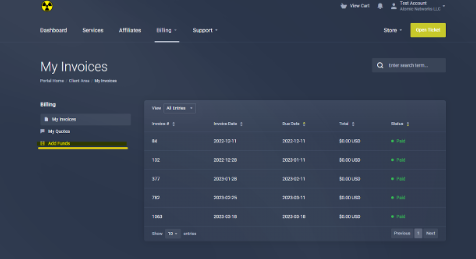
- Select “My Invoices” under the “Billing” tab.
 3. Select “Add Funds”
 4. Select a payment method. Choose how much you want to add.
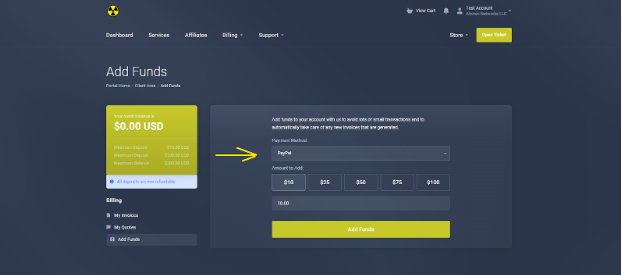 5. Proceed through the checkout process for your selected payment method.