
 Garry's Modless than a minute read
How to Use RCON - GMod
Learn about how to setup automatic workshop downloading for addons on your GMod server with Atomic Networks.

Step 1: Navigate to Atomic Panel
Click here to navigate to Atomic Panel. You can log in using your account credentials that you received following checkout. The credentials email is sent to the email address on file in the Billing Panel.
Step 2: Navigate to the Startup Parameters Tab Under Configuration
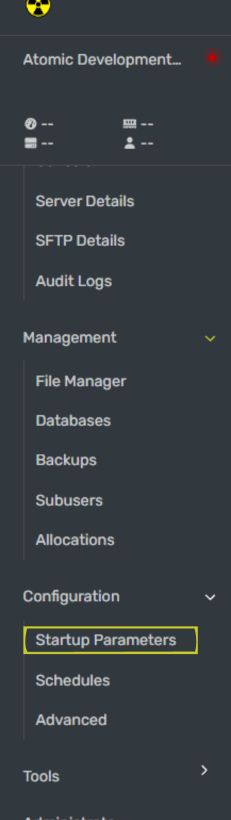
Once you have the Startup Parameters open, enter a password in the RCON Password textbox.
Make sure your rcon_password is long and secure. If someone is able to gain access to your RCON credentials, they will have full access to your GMod server.
Step 3: Enter Your RCON Password into In-Game Console
Open server console and enter your RCON password into console. To enable RCON in game:
- Open console by pressing the ~ key (bind your console key in settings if it doesn't work)
- Type
rcon_password_[yourpasswordhere](Replace the [yourpasswordhere] with the password you set in the Startup Parameters back in Step 2) - Type
rcon statusin console to make sure that you configured your RCON correctly.
Step 4: Restart Your GMod Server
Once you have configured your auto downloaded workshop addons, restart your GMod server for the workshop addons to work.
If you're following along with our how to make a GMod server guides, you are all done with the required setup! You can now proceed to our gamemode setup guides. Additionally, you can also read more in our "Optional Setup" section if you want to learn more about running a GMod server the right way.
How to Disable RCON (GMod)
To disable RCON on a GMod server, you can do so by opening console and typing rcon_password_ followed by an empty password value. Once you restart your server, RCON will be disabled.